You haven't signed in yet, you can have a better experience after signing in
*Please complete the payment within {{receiveCouponInfo.expire_at}}Previous use*
You haven't signed in yet, you can have a better experience after signing in



Activity Rules
1、Activity time:{{ info.groupon.start_at }} ~ {{ info.groupon.end_at }}。
1、Activity time:cease when sold out。
2、Validity period of the Group Buying:{{ info.groupon.expire_days * 24 }} hours。
3、Number of Group Buying:{{ info.groupon.need_count }}x。
Please Pay Attention
1、Teamwork process: Join/initiate a Group Buying and make a successful payment - Within the validity period, the number of team members meets the activity requirements - Group Buying succeeded!
2、If the number of participants cannot be met within the valid period, the group will fail, and the paid amount will be refunded in the original way.
3、The number of people required and the time of the event may vary among different products. Please pay attention to the rules of the event.
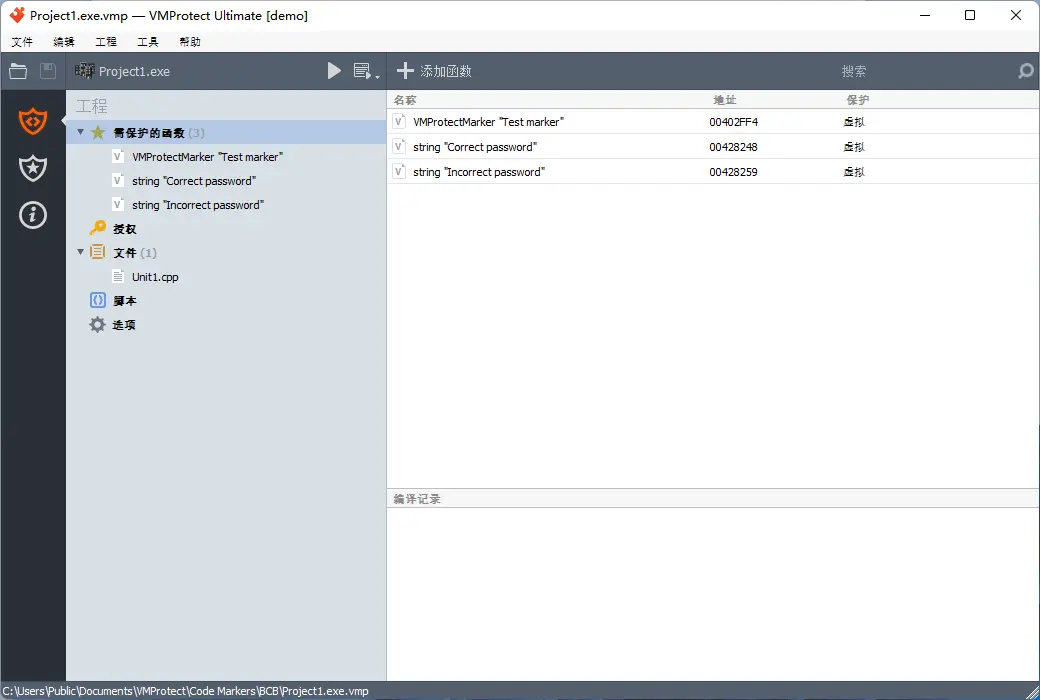
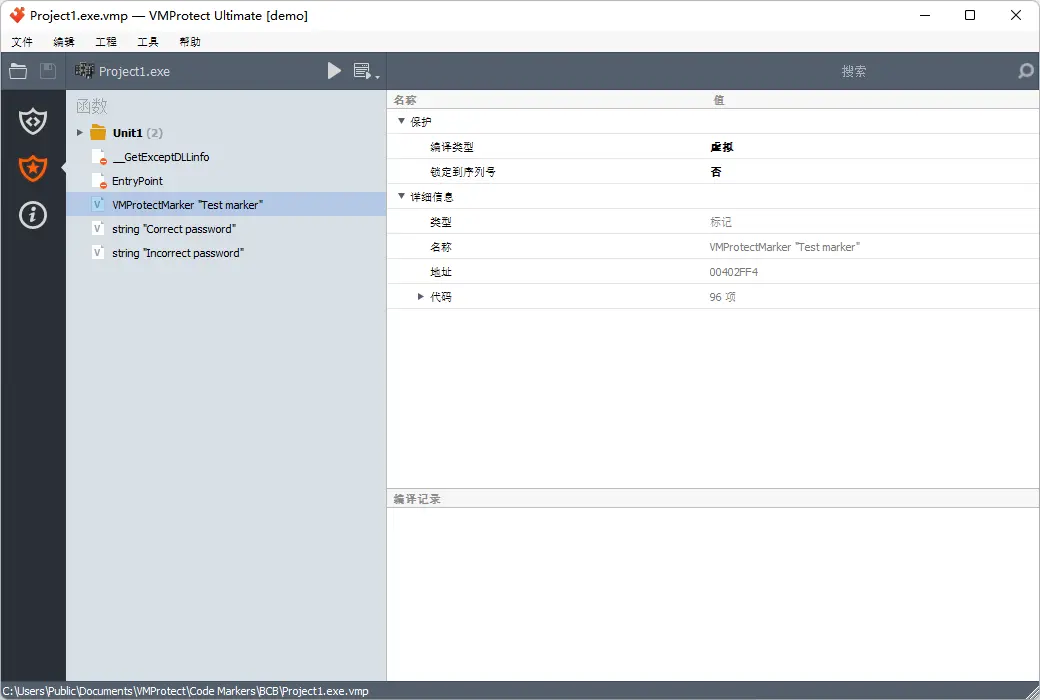
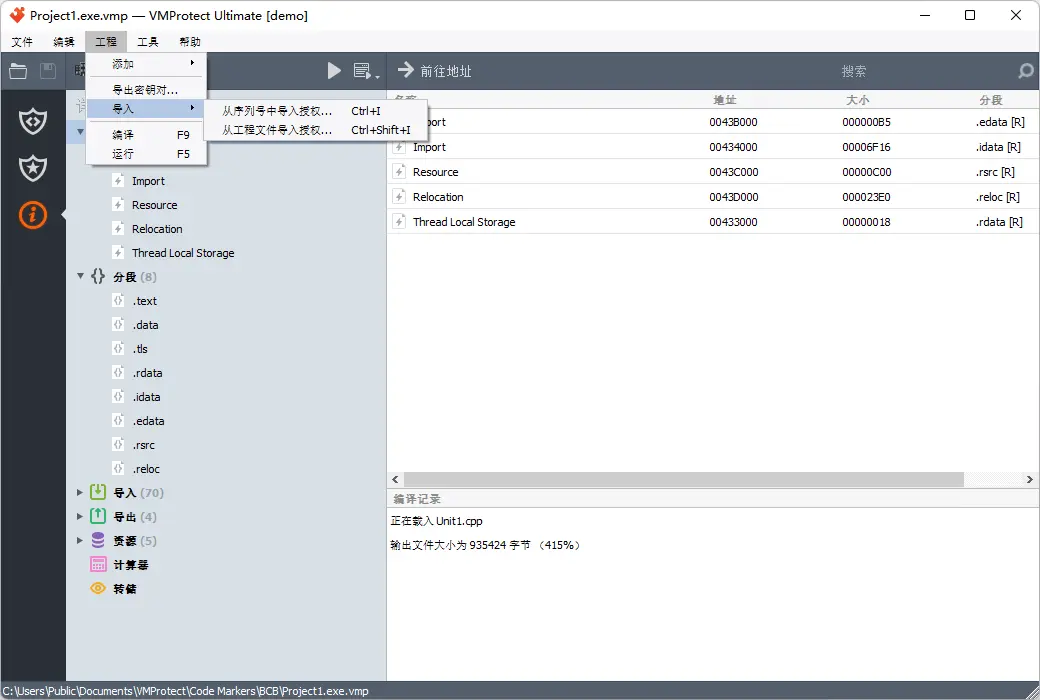
VMProtect protects code by executing it on virtual machines with non-standard architectures, making it extremely difficult to analyze and crack software. In addition, VMProtect can generate and verify serial numbers, restrict free upgrades, and more.
Five reasons to use VMProtect?
Most of our competitors do not have the same innovative features, nor do they have a combination of equally leading features and cost efficiency.
1. VMProtect virtualization code
Code virtualization is the next step in software protection. Most protection systems encrypt code and then decrypt it at the start of the application. VMProtect doesn't even decrypt code! Instead, encrypted code runs on a virtual CPU that is significantly different from general-purpose X86 and X64 CPUs, as the command set for each protected file is different.
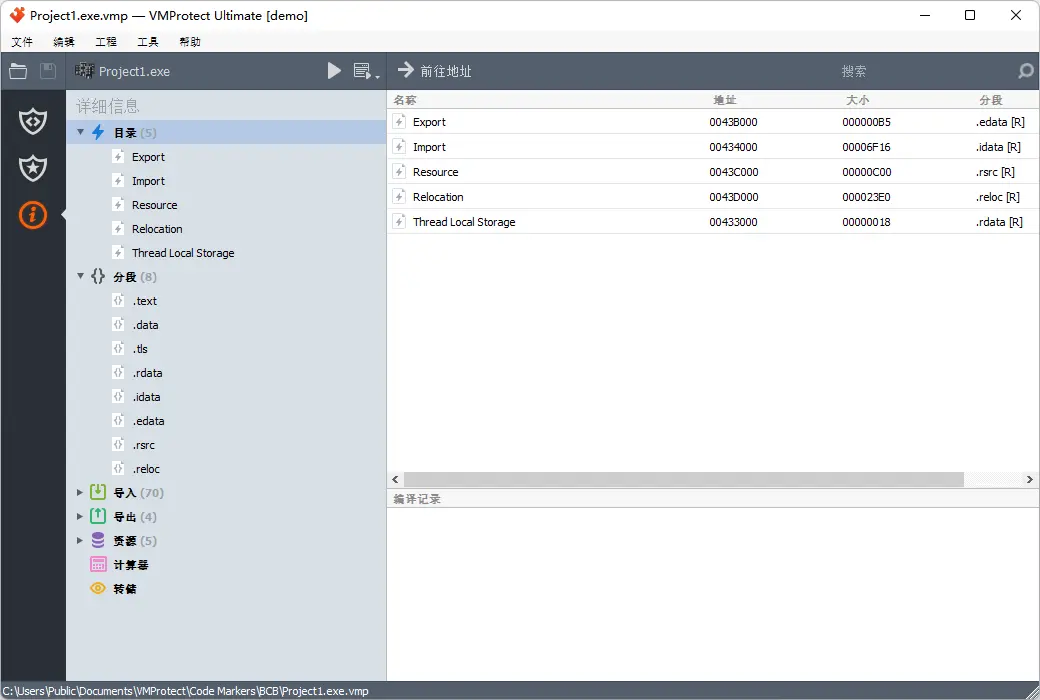
VMProtect supports almost all executable formats
VMProtect allows protection of executable files (EXE, SCR), dynamic link libraries (DLL, OCX, BPL), and drivers (SYS). You can use the same protection for applications, their plugins, and even drivers!
3. VMProtect supports 64 bit code
Due to the increasing number of 64 bit systems, encryption programs must support them. We added support for 64 bit applications, libraries, and drivers in 2007, so everything has been well tested and you can easily migrate to 64 bit.
4. VMProtect supports most versions of Windows
Unlike some competitors, VMProtect does not rely on undocumented Windows features, so protected files can run well on almost any version of Windows system, even starting from Windows 95, and support 32-bit and 64 bit versions without DEP or UAC issues.
5. VMProtect is a complete protection solution
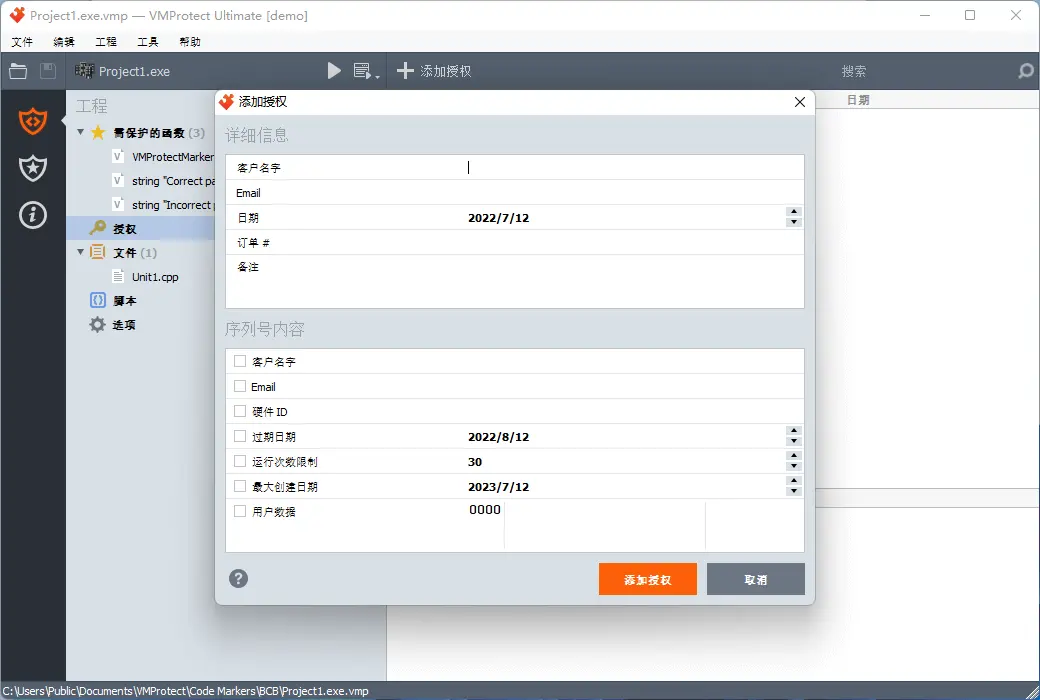
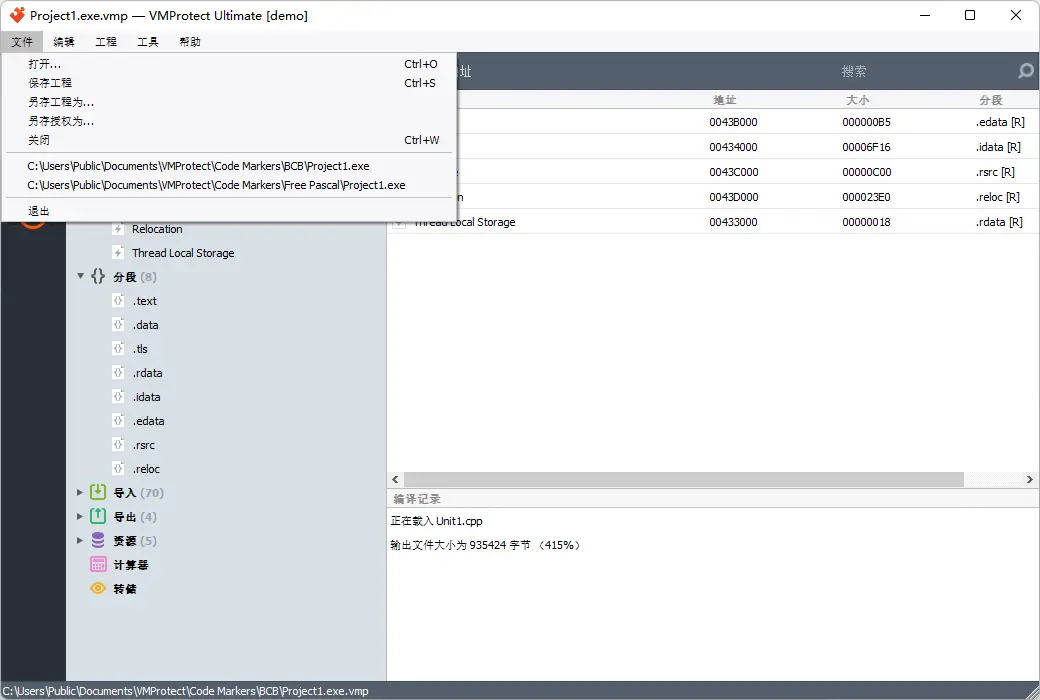
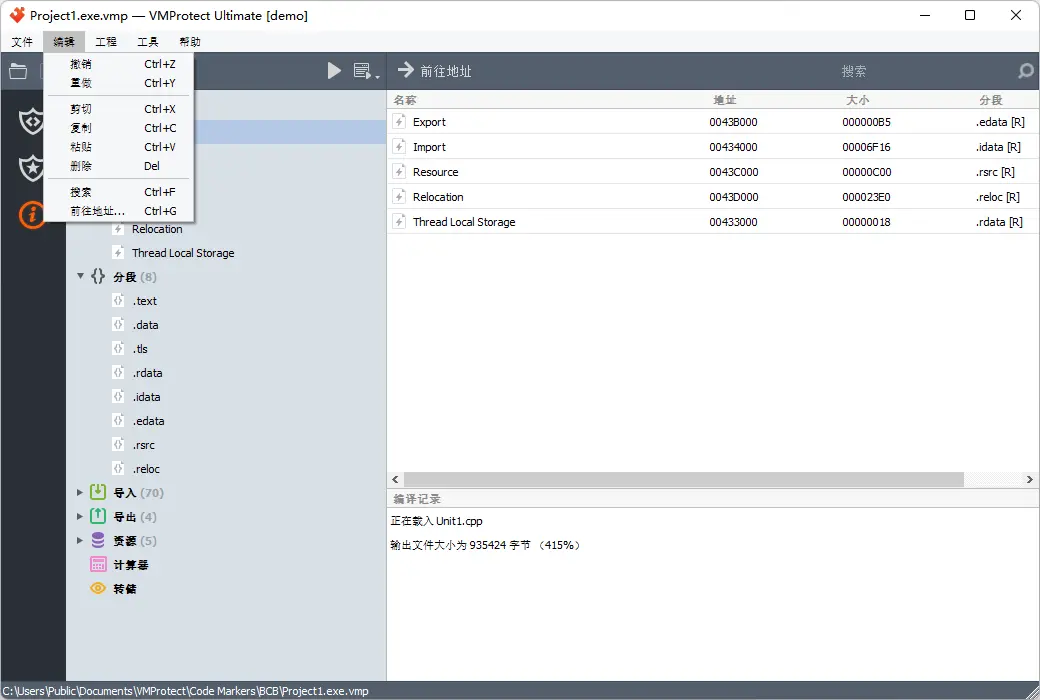
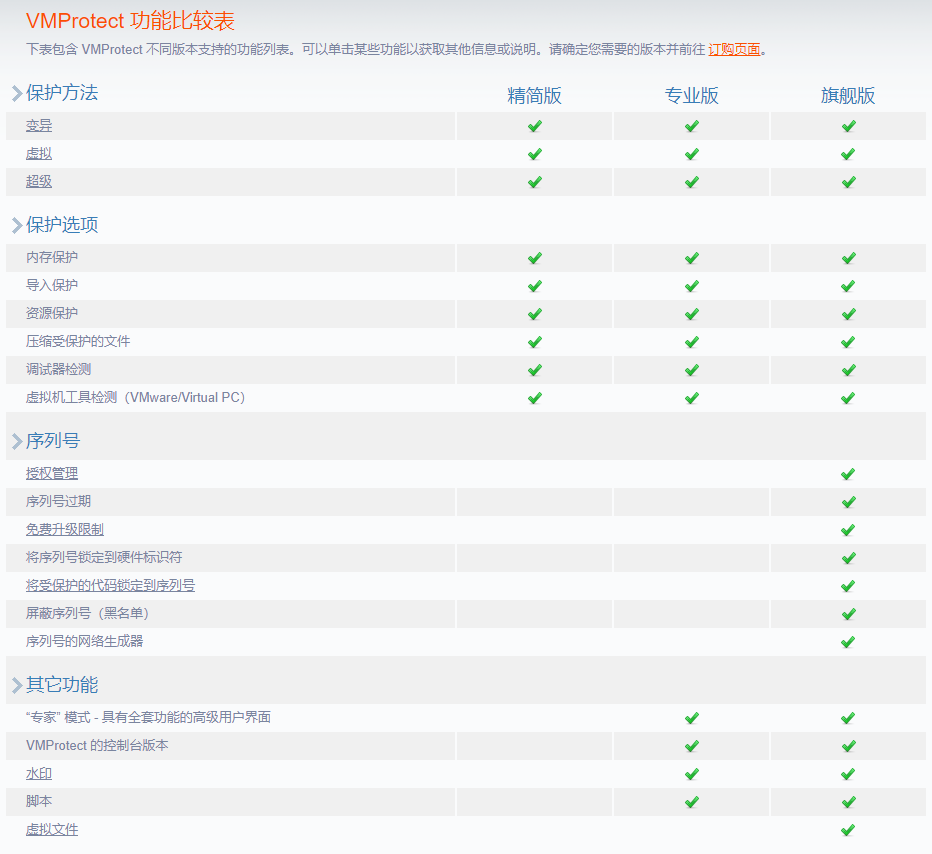
VMProtect allows for the generation and validation of serial numbers. Supports manual and automatic generation. The serial number may be limited by time or date and locked to hardware, and the free upgrade period may also be restricted. VMProtect ensures that running code without a serial number is physically impossible.
Official Website:https://vmpsoft.com/
Download Center:https://vmprotect.apsgo.cn
Delivery Time: Manual processing
Operating Platforms: Windows, macOS, Linux
Interface Language: Supports Chinese interface display, with multiple languages available.
Update Instructions: After purchase, support for updates and upgrades is provided for 1 year. After 1 year, a maintenance package can be purchased for further updates and upgrades.
Trial Before Purchase: Free trial is available before purchase.
How to Receive the Product: After purchase, activation information will be sent to the email address used for the order. Additionally, the corresponding product activation code can be viewed in the personal center, under "My Orders".
Number of Devices: Can be installed on 1 computer.
Changing Computers: Uninstall on the original computer and activate on the new computer.
Activation Guide: To be added.
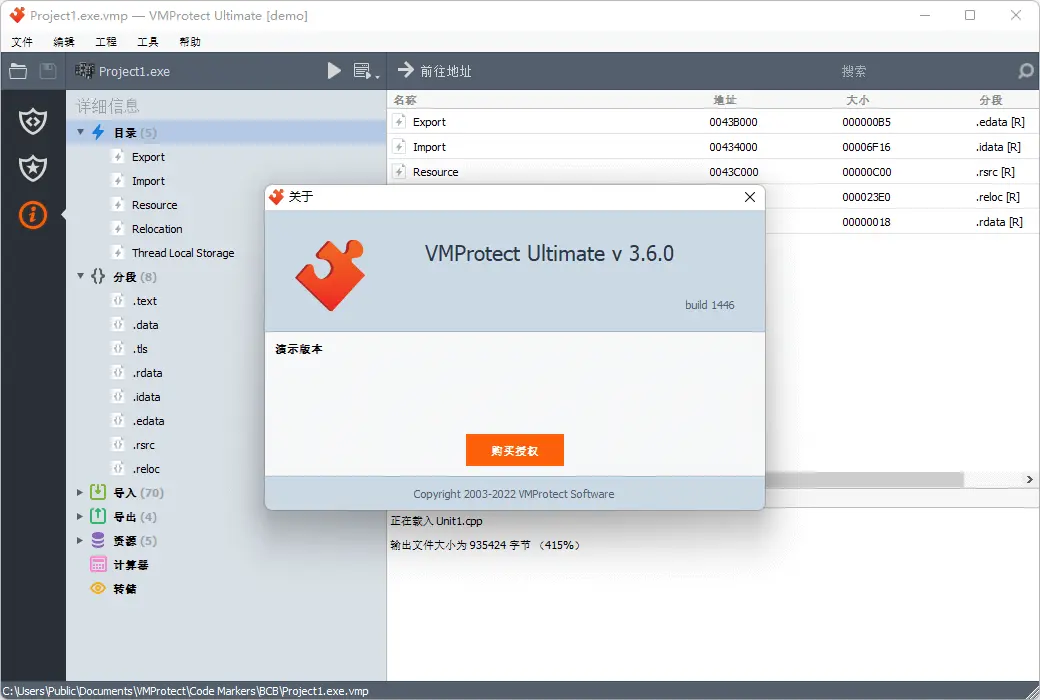
Special Instructions: Please download the demo version for functional testing to ensure it meets your needs. The demo version cannot be used for registration.
Reference Materials:https://vmpsoft.com/support/faq/

Any question

If you are not familiar with the terminology related to the subject, you cannot effectively use the tool
The following glossary explains the terms used in VMProtect
The glossary is not exhaustive, so some terms may have different meanings from classic terminology
Bytecode: The code received after translating the commands of a real processor into virtual machine commands
Virtualization: A process that converts part of an application's executable code into virtual machine commands, which include command system, architecture, and operation logic, and are unknown to potential hackers
The virtualized code fragment is executed by the virtual machine's interpreter without converting it into machine language code for the physical processor
Usually, the reverse engineering of virtualized fragments boils down to building an assembler for the same architecture as the processor simulated by the virtual machine, and analyzing the resulting disassembly code
Virtual Machine: Program code that directly executes bytecode within a protected application
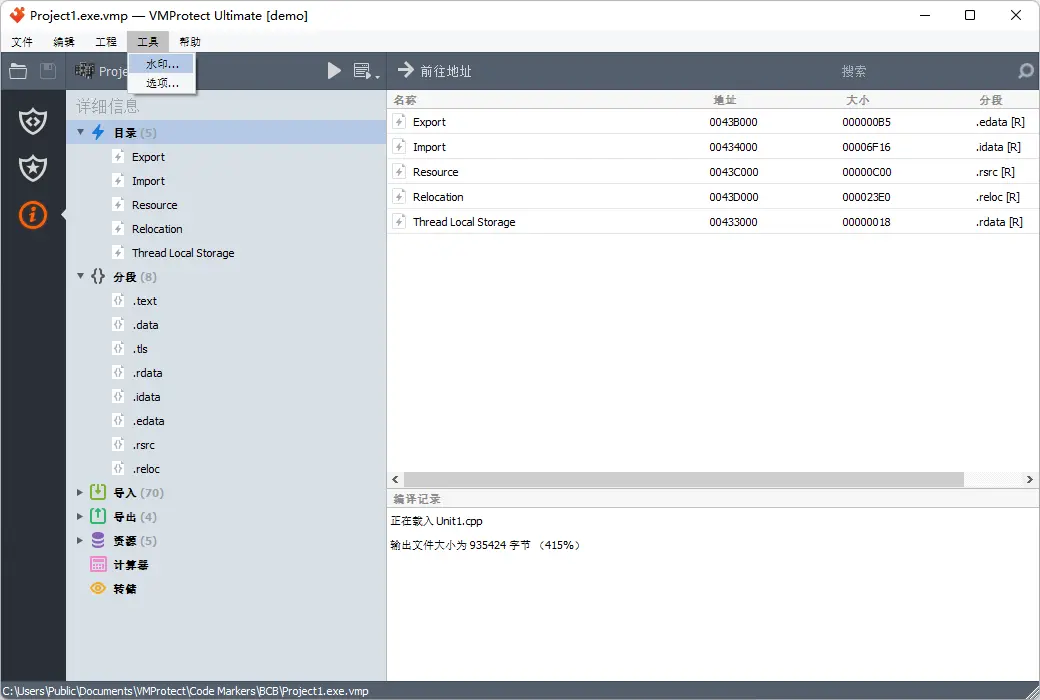
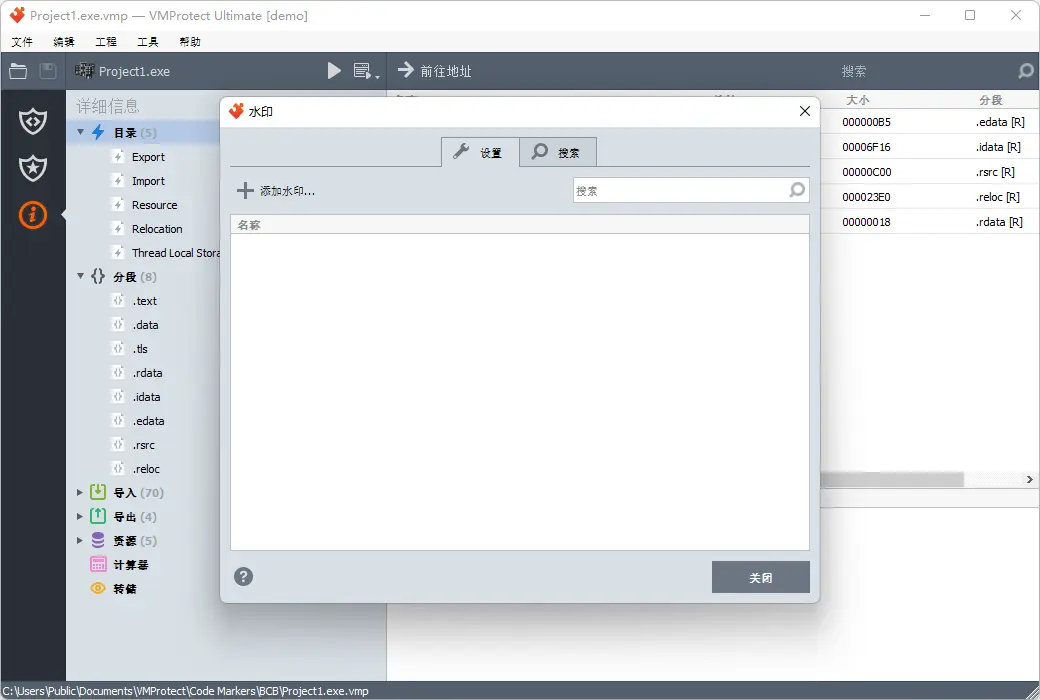
Watermark: Provides uniqueness to each user's byte array, thus clearly identifying the legitimate owner of a hacked program copy
Mutation: Replacing the original command with a similar command or a set of commands that produce the same result
Obfuscation: A set of methods and techniques aimed at complicating the analysis of program code. Different types of obfuscation are used depending on the programming language used by the protected program
Obfuscation for applications written in interpreted languages (Perl, PHP, etc.) is achieved by modifying the source code: removing comments, assigning meaningless names to variables, encrypting string constants, and so on.